モバイルウィジェット
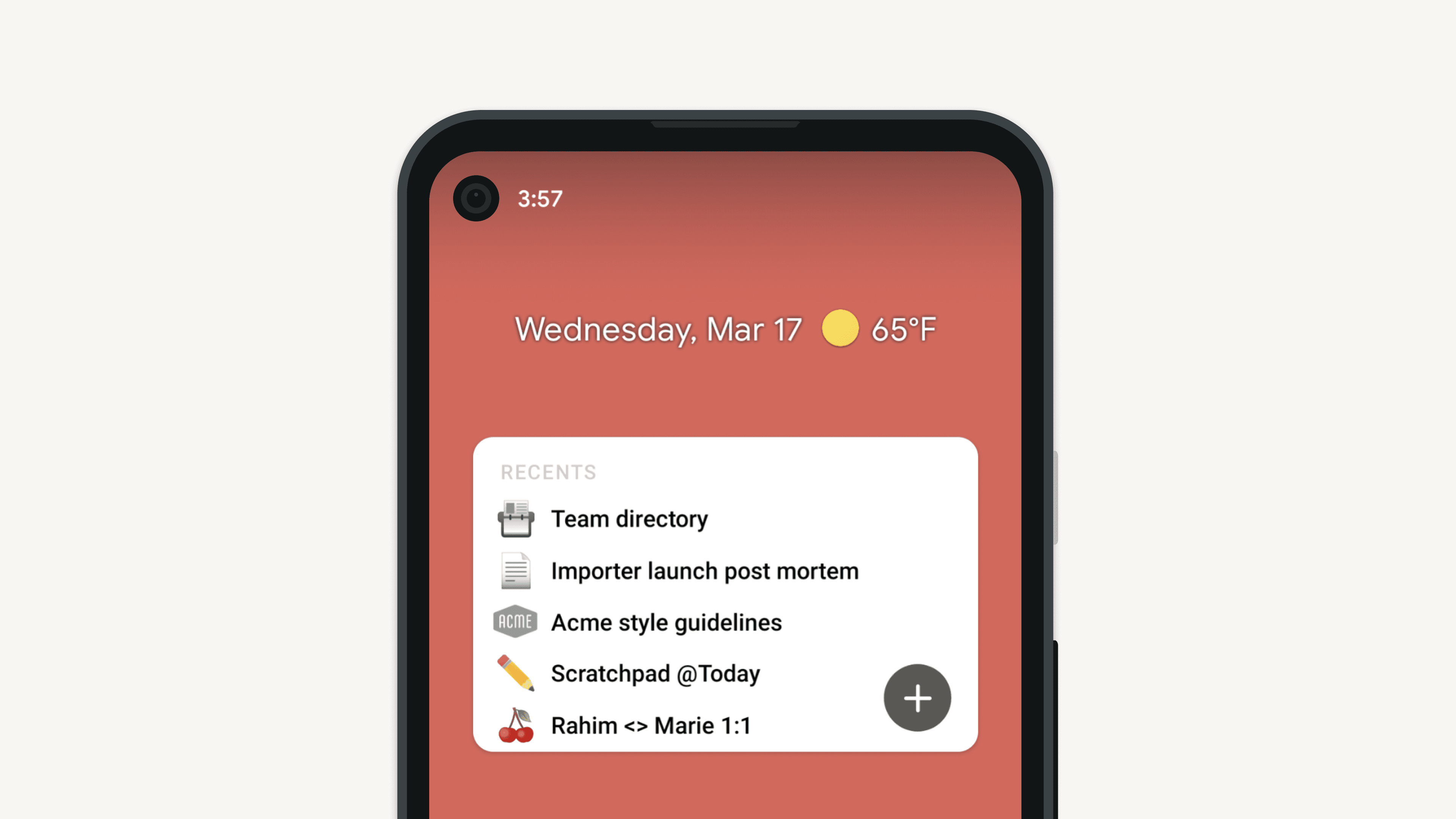
iPhoneやAndroidのホーム画面から、Notionのページにすばやくアクセスできます!ワークスペースやページとリンクしているウィジェットを追加することで、よく使用するページに簡単にアクセスできるようになります📲
よくあるご質問(FAQ)に移動iPhoneまたはAndroidのホーム画面から、Notionにすばやくアクセスできます。ウィジェットを追加して特定のページやデータベースを開くか、AIホーム画面ウィジェットを使ってNotion AI(チャット、カメラ、音声)に直接アクセスすることで、必要な機能にすばやく簡単にアクセスできます。

備考:NotionのiOSウィジェットは、iOSバージョン14.0以降のiPhoneかiPadのみで利用いただけるアプリ拡張機能です。
Apple App StoreからNotionのiOSアプリをダウンロードします。
iPhoneのホーム画面で、いずれかのアプリの
アイコンを長押しし、その後ホーム画面を編集を選択します。画面の左上の
+ボタンをタップします。ウィジェットメニューで、上部の検索バーをタップし、リストからNotionを検索して選択します。
ウィジェットオプションをスワイプし、追加したいウィジェットを選択したら、
ウィジェットを追加をタップします。ホーム画面でウィジェットをタップしてドラッグすると、並べ替えができます。
オプションのリストが表示されるまで、ウィジェットを長押しします。
ウィジェットを編集をタップして、ウィジェットに表示させたいワークスペースやページを選択します。ポップアップ以外のどこかをタップして、選択した内容を保存します。これでホーム画面にウィジェットが表示されるようになりました。ウィジェットは好きなだけ追加でき、既存のウィジェットの内容はいつでも編集できます。
Google Play StoreからNotionのAndroidアプリをダウンロードします。
Androidのホーム画面で、Notionのアプリを長押しし、メニューをスクロールして
ウィジェットをタップします。ウィジェットオプションをスワイプします。ホーム画面でウィジェットをタップ、長押し、ドラッグすると、並べ替えができます。
ウィジェットをタップして、ウィジェットに表示させたいワークスペースやページを選択します。
これでホーム画面にウィジェットが表示されるようになりました。ウィジェットは好きなだけ追加でき、既存のウィジェットの内容はいつでも編集できます。
一部のデバイスでは、ウィジェットのサイズを変更することもできます。
選択できるウィジェットは次の4種類です。
ページ:ページまたはデータベースをウィジェットとして追加して、簡単にアクセスできるようにします。アイコンとカバー画像も含まれます。
お気に入り:サイドバーの
お気に入りセクションの数ページを固定表示します。最近のページ:最近アクセスしたページを表示します。
AIショートカット:Notion AIへのショートカット(チャット、カメラ、音声)にアクセスできます。最新バージョンのアプリが必要です。
備考:カスタム絵文字は、モバイルウィジェットではレンダリングされません。
よくあるご質問(FAQ)
ウィジェットをホーム画面に追加した後に、それを変更したい場合はどうすればよいですか?
ウィジェットをホーム画面に追加した後に、それを変更したい場合はどうすればよいですか?
表示されるコンテンツを編集または変更するには、ウィジェットを長押しし、 ウィジェットの編集 を選択します ✨